How to prepare a file for FDM 3D printing: STL, STEP and 3MF
Most printing problems start before the printer: with the file. A few minutes of checking avoids wrong sizes, failed prints and delays. This guide covers the formats, the usual mistakes and what to add to your request.
Which file format to send
| Format | What it contains | Good to know |
|---|---|---|
| STEP | Exact CAD geometry | Preferred for engineering parts; can be adjusted without losing accuracy |
| STL | A mesh of triangles, no units | Very common; curves are approximated and the scale must be checked |
| 3MF | A mesh with units and metadata | Safer than STL for scale and for several bodies |
| OBJ | A mesh, widely supported | Works, but carries no units |
If you have the original CAD model, send STEP, and add an STL or 3MF if you like. A STEP file lets the printing team measure dimensions and make small corrections without degrading curves, while a mesh is what the printer finally reads.
Units and scale
FDM printing works in millimetres. Open your file in any viewer and measure one dimension you know. The classic mistake is a model exported in inches and read as millimetres, or the reverse: a part that should be 25.4 mm arrives as 1 mm, or the other way around. Checking one known dimension catches it in seconds.
Clean geometry
A printer slices a closed solid into layers, so the model has to describe one clearly.
- The model should be watertight: a closed solid with no holes in its surface.
- There should be no faces with zero thickness and no overlapping bodies.
- Curved surfaces need a fine enough mesh. If a round hole looks like a polygon in the viewer, export again with a finer setting.
- Very thin walls should be thicker than the nozzle line, about 0.4 mm, or they may not print at all.
Orientation
A printed part is built in layers, and layers are the weak direction. Put the flattest, most important face on the build plate, and think about where the force will act: it should run along the layers, not across them. If you know how the part is loaded, mark the direction in your request so that it can be turned correctly.
One part per file
Send each part as a separate body in its own named file, and send assemblies as separate parts rather than one merged model. A clear file name such as bracket-left-v3 saves guesswork and prevents the wrong version from being printed.
What to add to the file
A drawing with the critical dimensions marked, the material or the conditions of use, the quantity and the finish are the items that turn a file into a quote. Our quote guide lists everything worth including.
Mark only the dimensions that really matter. A drawing in which every dimension is critical tells the printing team nothing, and tight tolerances where they are not needed cost extra.
Problems we see most often
Most file problems are small, and all of them are easy to avoid once you know them.
- Walls thinner than the nozzle line, which simply do not print.
- Text and small details that are too small to read after printing.
- Several parts merged into one body, so that a screw or a pin cannot be separated from the housing.
- A model exported with a coarse mesh, so that round holes become polygons.
- Features that need supports in places where supports cannot be removed.
Naming and versions
Give every file a name that says what it is and which version it is, for example bracket-left-v3.step. When you change the design, send the new version under a new name and say which old one it replaces. This habit prevents the most expensive mistake of all: a correct print of an outdated file.
What happens after your file arrives
Once the file is received, it is checked for printability: wall thickness, overhangs, dimensions and orientation. If something should change, we send a short question or a suggestion instead of printing a part that is likely to fail. When the file is approved, the model is sliced into layers and the print is prepared. Knowing this helps you to understand why a few extra minutes spent on the file at the start save a day at the end.
Final check before you send
- One known dimension is measured and correct in millimetres.
- The model is a closed solid without overlaps.
- Curves look smooth in a viewer.
- Each part is a separate, clearly named file.
- The critical dimensions are marked on a drawing.
- The material or the use conditions, the quantity and the finish are written down.
Finished the checklist? Send us your file and we will review it before printing.
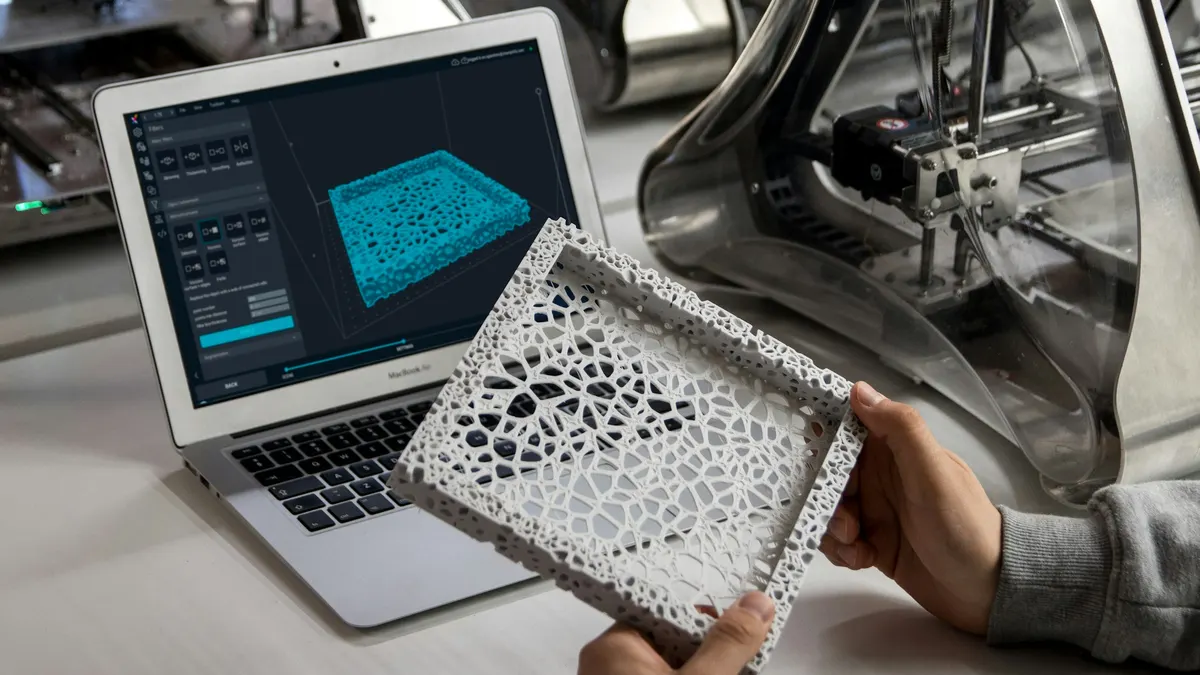
Cover photo: ZMorph All-in-One 3D Printers(opens in a new tab) on Unsplash(opens in a new tab).